


GA4 Conversion Tracking for UAE Businesses: A Step-by-Step Setup
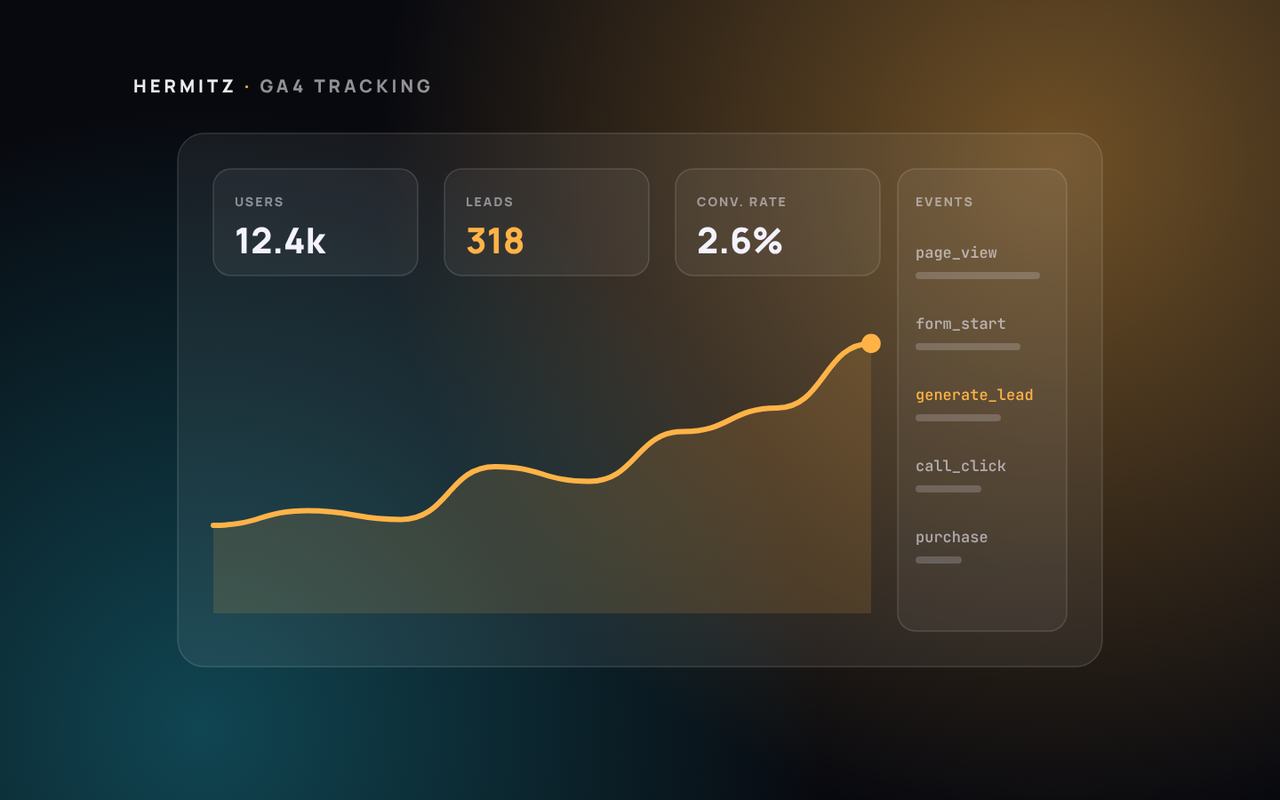
If you cannot see which marketing produces enquiries, you cannot improve it. This step-by-step guide sets up Google Analytics 4 to track the actions that matter to a UAE business.
/ Table of contents:
- Step 1: Decide what counts as a conversion
- Step 2: Install GA4 properly
- Step 3: Create events for each action
- Step 4: Mark them as key events
- Step 5: Tag your campaigns with UTMs
- Step 6: Connect Google Ads
- Step 7: Respect consent
- Step 8: Match analytics to your CRM
- Step 9: Test and monitor
- The reports to use every month
- Common tracking problems and how to spot them
- Going further
- How Hermitz can help
Many UAE businesses have Google Analytics installed but cannot answer a simple question: which channel produced last month's enquiries? Google Analytics 4 can answer it once you track the right actions.
Step 1: Decide what counts as a conversion
List the actions that mean a real business opportunity:
- a contact or quote form submitted;
- a click on a phone number;
- a click on a WhatsApp link;
- a booking or purchase completed;
- a brochure or price list downloaded.
Page views and time on site are useful signals, but they are not conversions.
Step 2: Install GA4 properly
Use Google Tag Manager or your platform's official integration, so tracking is managed in one place. Check that every page carries the tag only once.
Step 3: Create events for each action
- Forms: fire an event on a successful submission, ideally from a thank-you page or a confirmed success message, not on the button click.
- Calls and WhatsApp: fire events on clicks of `tel:` and WhatsApp links.
- Bookings and purchases: send the event with the value, where your platform supports it.
Give events clear names such as `generate_lead`, `click_whatsapp` and `click_call`.
Step 4: Mark them as key events
In GA4, mark the important events as key events, the current name for conversions. Keep the list short so reports stay meaningful.
Step 5: Tag your campaigns with UTMs
Add UTM parameters to links in emails, social posts, WhatsApp broadcasts and partner sites, so GA4 can attribute visits correctly. Use consistent naming for source, medium and campaign.
Step 6: Connect Google Ads
Link GA4 and Google Ads and import your key events, or use the Google Ads tag directly with enhanced conversions. Then Google can optimise bids for real enquiries. See our list of Google Ads mistakes for what to avoid.
Step 7: Respect consent
Explain tracking in your privacy policy and use a consent banner where needed. If you have visitors from the EU, implement consent mode so tags respect their choices.
Step 8: Match analytics to your CRM
Analytics shows enquiries; your CRM shows which became customers. Pass the source of each lead into your CRM, through hidden form fields or your form tool, and review monthly which channels produce customers, not just leads.
Step 9: Test and monitor
Submit a test of every conversion and check it appears in GA4's real-time report. Compare GA4 numbers with real enquiries every month; large gaps mean something is broken.
The reports to use every month
Once tracking works, a few reports answer most questions:
- Traffic acquisition: sessions and key events by channel, such as organic search, paid search, social and referral.
- Landing pages: which pages bring visitors who become leads.
- Key events by campaign: which campaigns produce enquiries, not just visits.
- Devices: how mobile and desktop visitors behave and convert.
Build a simple monthly summary from these reports and share it with the people who make marketing decisions.
Common tracking problems and how to spot them
- Double counting: the same form fires two events. Check that one submission creates one event.
- Missing events: a form plug-in update breaks tracking. Test after every website change.
- Self-referrals: payment gateways or booking engines appear as traffic sources. Configure them as unwanted referrals.
- Internal traffic: your own team inflates numbers. Filter office traffic where possible.
- Big gaps with reality: GA4 shows far more or fewer leads than your inbox. Investigate immediately.
Going further
When the basics are reliable, consider tracking scroll depth on key pages, video plays, outbound clicks to marketplaces and partners, and offline conversions imported from your CRM. Add complexity only when it answers a real business question.
How Hermitz can help
We set up analytics and conversion tracking as part of every website and campaign we run, and connect it to your CRM. See web development in Dubai and Google Ads in Dubai.
Frequently asked questions
What are key events in GA4?
Key events are the events you mark as most important to your business, such as lead forms or purchases. They replaced the term "conversions" in GA4 reports.
Can GA4 track WhatsApp clicks?
Yes. An event can fire whenever a visitor clicks a WhatsApp link on your site. It records the intent to contact you, while your CRM or WhatsApp tools confirm whether a conversation started.
Newsletter
Get new articles by email
Occasional articles on websites, software, AI and search, from our team in Dubai. About once a month, no spam.
Keep reading
More insights
Partner programme
Earn money by referring clients
Know a business that needs a website, software, an app, SEO or AI? Introduce them to Hermitz and earn commission when they pay. Commission up to 15%.