


ERP for Small and Mid-Sized Businesses in the UAE: A Practical Guide
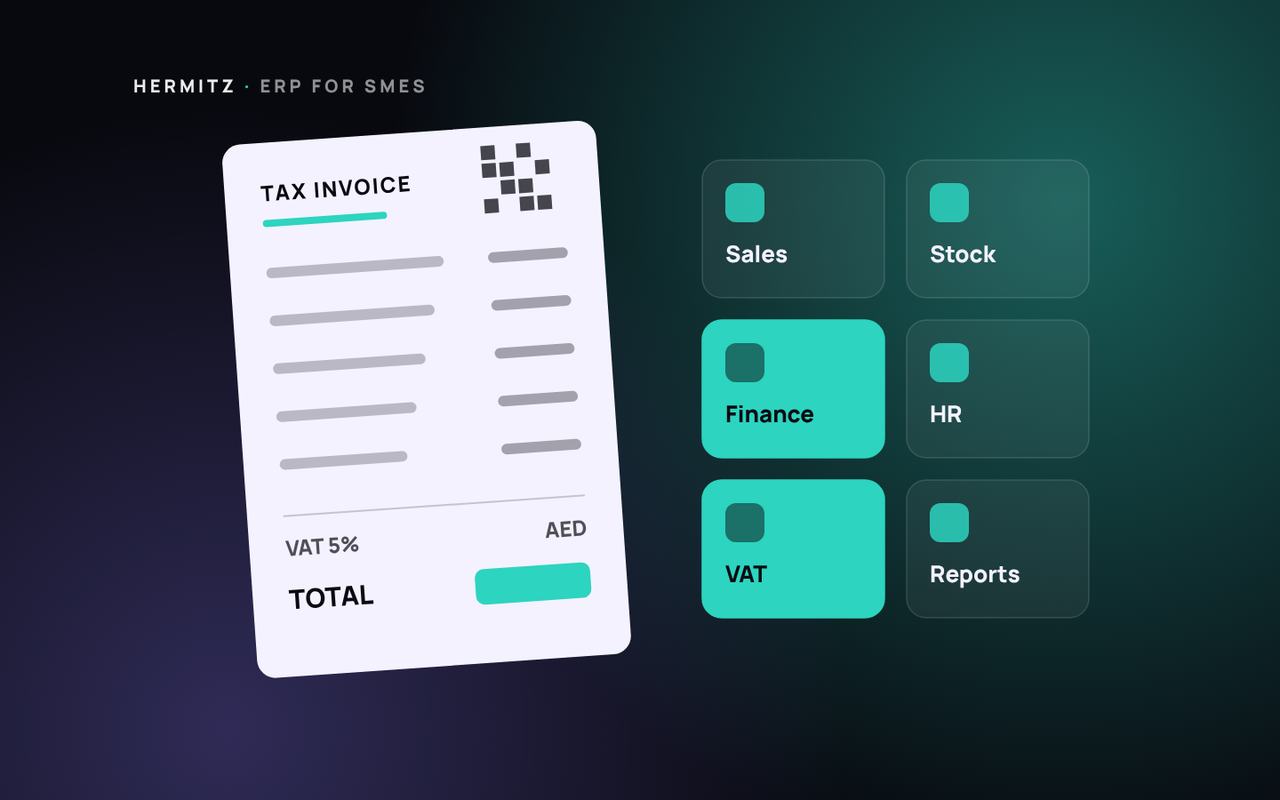
ERP is not only for large corporations. For a growing UAE business it can be the difference between guessing and knowing your stock, cash and margins. Here is how to approach it.
/ Table of contents:
- Signs your business has outgrown spreadsheets
- The modules that matter first
- UAE requirements to plan for
- Off-the-shelf ERP or custom?
- A rollout plan that does not stop the business
- Mistakes to avoid
- Choosing an ERP: questions to ask vendors
- Data migration without the headaches
- Measuring success after go-live
- How Hermitz can help
ERP stands for enterprise resource planning, but the idea is simple: one system that holds your sales, purchasing, stock, finance and operations data, so every team works from the same numbers.
Signs your business has outgrown spreadsheets
- Stock counts never match what the system says.
- Month-end closing takes days of reconciliation.
- Sales, warehouse and accounts each keep their own version of the truth.
- You cannot see the margin of an order until long after it ships.
- Approvals happen on WhatsApp and nobody can find them later.
If three or more of these sound familiar, an ERP is worth evaluating.
The modules that matter first
You do not need everything on day one. Most UAE SMEs start with:
- Sales and invoicing, including VAT-compliant tax invoices;
- Purchasing and suppliers;
- Inventory, with multiple warehouses or branches if you have them;
- Accounting, or a clean link to the accounting system you already use.
HR, payroll, projects, manufacturing and field service can follow in later phases.
UAE requirements to plan for
VAT
Your ERP must produce tax invoices with the details the Federal Tax Authority requires, handle standard, zero-rated and exempt supplies correctly, and support your VAT return.
E-invoicing
The UAE is introducing mandatory e-invoicing in phases, with structured electronic invoices exchanged through accredited service providers. Businesses with annual revenue of AED 50 million or more go live on 1 January 2027, and other businesses on 1 July 2027. Any ERP you choose now should be able to produce structured invoice data and connect to an accredited provider. Our UAE e-invoicing guide explains the timeline.
Arabic and multi-currency
If you trade across the GCC, check Arabic documents, multiple currencies and branch-level reporting.
Off-the-shelf ERP or custom?
Packaged ERP products cover standard processes well. Custom or extended ERP makes sense when your workflow is unusual, for example made-to-order production, rental fleets or project-based contracting, or when you need customer and partner portals on top. Many businesses combine a packaged core with custom modules. See custom software vs off-the-shelf for how to decide.
A rollout plan that does not stop the business
- Map your current processes and the reports management actually uses.
- Clean your master data: customers, suppliers, items and opening balances.
- Start with one module or one branch, and run it in parallel for a short period.
- Train key users first and let them train their teams.
- Add modules in phases once the first one is stable.
Mistakes to avoid
- Copying old workarounds into the new system instead of fixing the process.
- Migrating years of messy data instead of only what you need.
- Skipping user training to save time.
- Choosing a system nobody in the team owns after go-live.
Choosing an ERP: questions to ask vendors
- Which UAE businesses of our size and sector use it today?
- How does it handle VAT, and how will it support UAE e-invoicing?
- Can it work in Arabic and English, with several currencies and branches?
- What does a typical first phase include, and how long does it take?
- Who configures it, who trains our team and who supports us after go-live?
- How are licences priced as we add users, modules and companies?
- Can we export all our data if we leave?
Data migration without the headaches
Migration is where many ERP projects slip. Decide early what moves:
- Master data: customers, suppliers, items, price lists and chart of accounts.
- Open items: unpaid invoices, open orders and current stock.
- Opening balances at a clean cut-off date, usually a month or year end.
- History: often better kept in the old system or an archive than migrated in full.
Run at least one trial migration, check the numbers with finance, and only then plan the final cut-over.
Measuring success after go-live
Agree a few measures before you start, such as days to close the month, stock accuracy, order-to-invoice time and the number of manual spreadsheets still in use. Review them three and six months after go-live, and use the results to plan the next phase.
How Hermitz can help
We design and build ERP and CRM systems for UAE businesses, from focused modules to full platforms, and connect them to the tools you already use. See ERP and CRM development or send us a brief.
Frequently asked questions
How long does an ERP rollout take for an SME?
A focused first phase covering sales, purchasing and inventory can often go live within a few months. Larger scopes are delivered in phases so the business keeps running throughout.
Do we need a new ERP for UAE e-invoicing?
Not necessarily. What matters is that your system can produce structured invoice data and connect to an accredited service provider. Some existing systems can be upgraded or extended to do that.
Newsletter
Get new articles by email
Occasional articles on websites, software, AI and search, from our team in Dubai. About once a month, no spam.
Keep reading
More insights
Partner programme
Earn money by referring clients
Know a business that needs a website, software, an app, SEO or AI? Introduce them to Hermitz and earn commission when they pay. Commission up to 15%.